


The Fogo Credits feature allows users to conveniently top up their account balance for processing transactions such as SMS notifications, email campaigns, and other system-related services. Recharging credits ensures smooth and uninterrupted system operations for communication and client engagement tools.
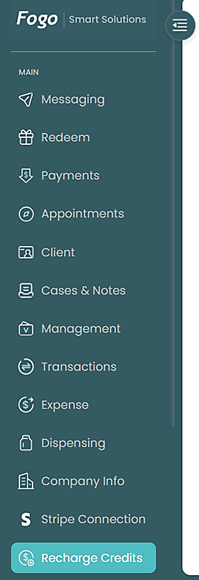
Step 1. On the left pane, select Recharge Credits.
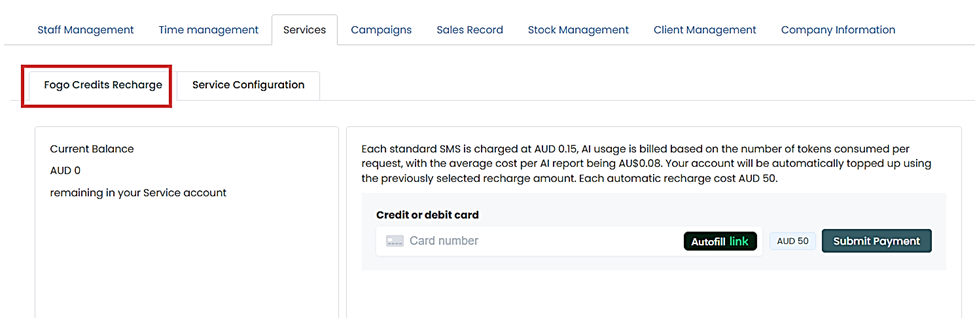
Step 2. Go to “Fogo Credits Recharge” tab. This section will show your current balance and the payment section where you can link your payment method and process recharge.
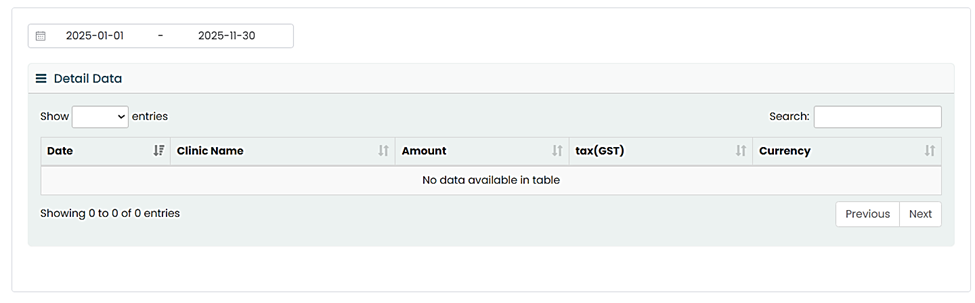
Step 3. The lower section shows your recharge transaction history.
You can also watch the demo here Demo on How to Recharge Fogo Credits?
Need a demo or want to learn more? Email us at contact@fogo365.com.