


The Fogo Booking URL feature allows businesses to create and customize their own online booking link that clients can use to schedule appointments directly. By setting up a personalized booking URL, users can showcase their brand identity, streamline appointment scheduling, and make it easier for customers to access available services anytime.
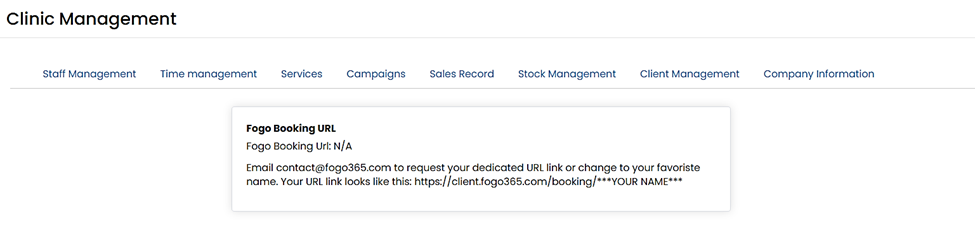
Step 1. Go to Management > Company Information > Fogo Booking URL.
Step 2. Email contact@fogo365.com to request your dedicated URL link or change to your favorite name. Your URL link looks like this: https://client.fogo365.com/booking/***YOUR NAME***
Need a demo or want to learn more? Email us at contact@fogo365.com.