


Keep your clinic running smoothly with Fogo’s staff scheduling feature. You can set working hours for each team member, ensuring accurate appointment management and better time coordination.
Step 1: Go to Management> Time Management.
Step 2: Choose branch and practitioner name in the top right corner.
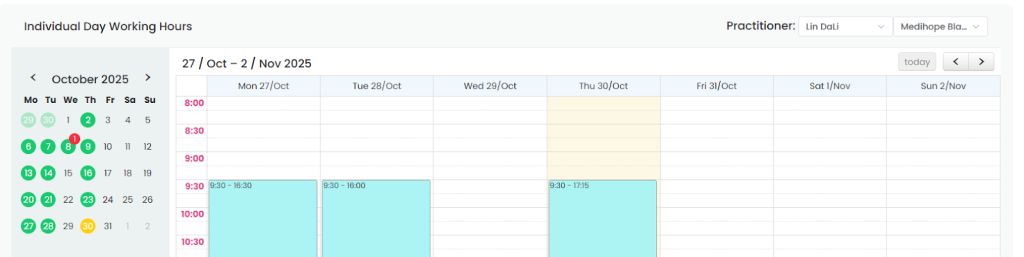
Step 3: Choose ”Weekly working hours” or “Individual day working hours”.

Step 4: Drag the time slots to set up or double click to cancel. Then the calendar will show your chosen schedule.
Need a demo or want to learn more? Email us at contact@fogo365.com.