


Fogo allows practitioners and front desk staff to conveniently book appointments on behalf of clients. This feature helps ensure efficient scheduling, minimizes booking errors, and keeps both clients and practitioners organized through automatic reminders and calendar tracking.
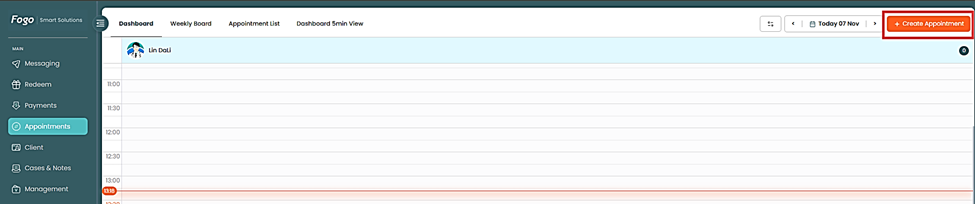
Step 1: Go to the Appointments tab on the left menu.
Step 2: Click the “Create Appointment” button on the upper right corner of the screen.
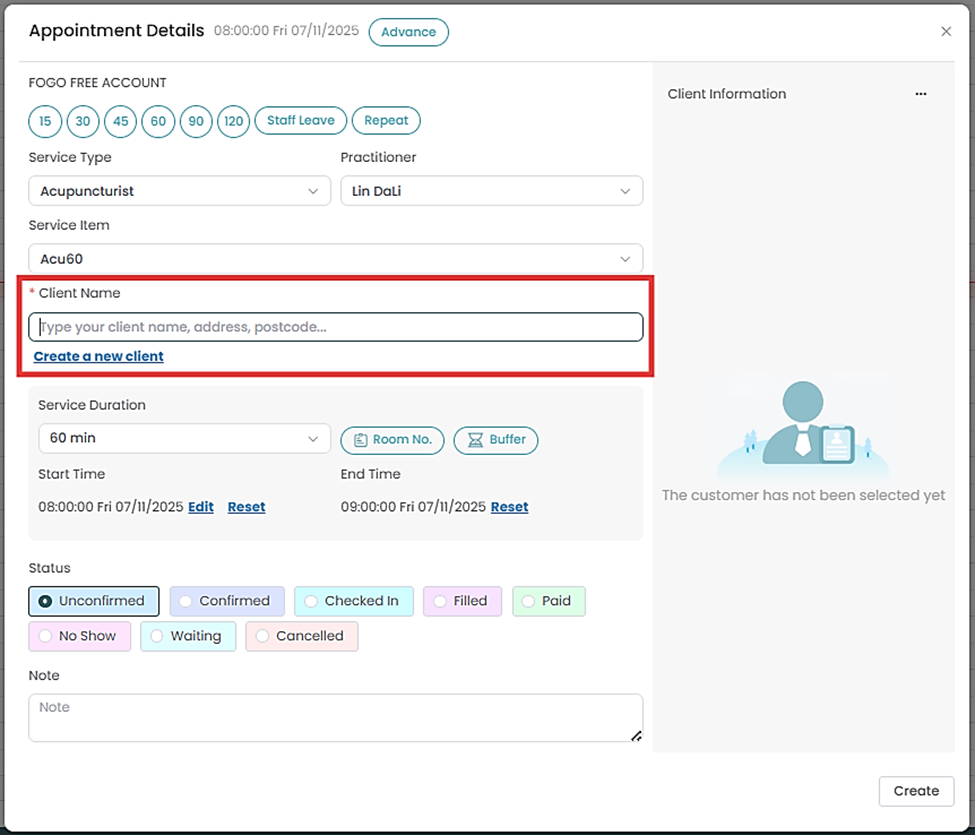
Step 3: Select the Client Name from the list or create a new client if it’s their first booking.
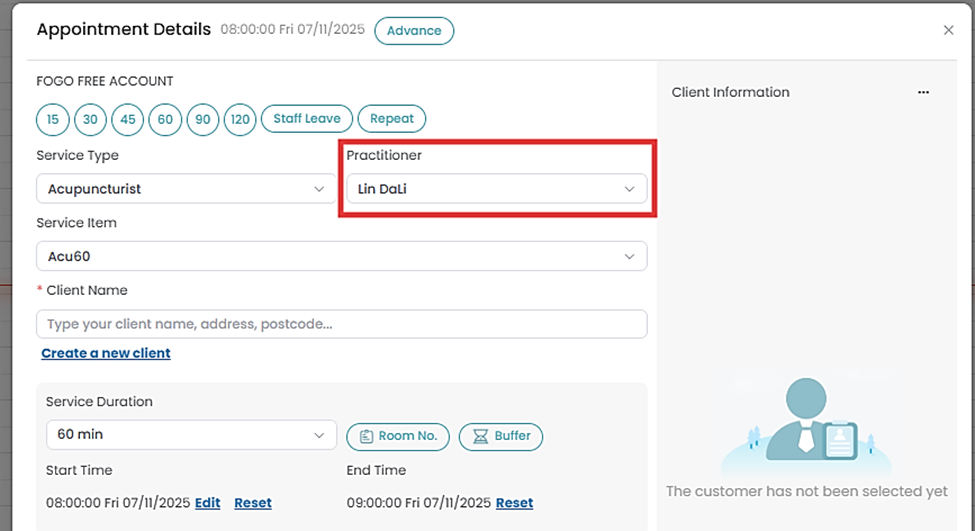
Step 4: Choose the Practitioner who will conduct the session.
Step 5: Set the Appointment Date, Time, and Duration.
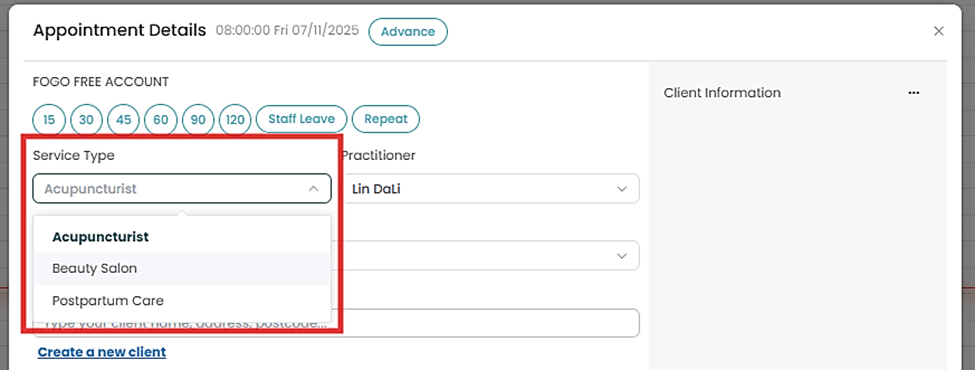
Step 6: Select the Service Type or package that applies to the appointment.
Step 7: Add any relevant Notes or Tags to help practitioners prepare in advance.
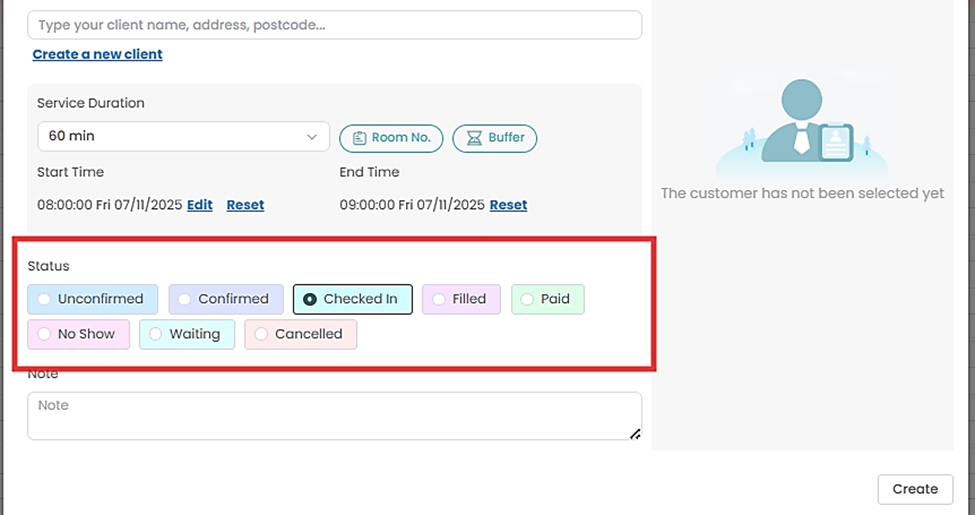
Step 8: Choose applicable status then “Create” to finalize the booking.
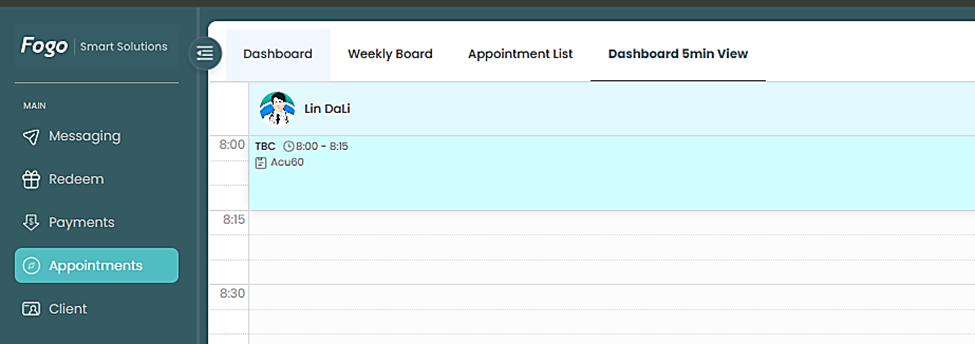
Step 9: Once confirmed, the appointment will appear on the Dashboard and trigger SMS/email reminders if enabled.
Need a demo or want to learn more? Email us at contact@fogo365.com.