


Keeping your gift card ledger organized is essential for a healthy practice. But what happens when a redemption needs a quick update? Whether you’re updating a reference note or adjusting a redemption value, we’ll show you how to make those changes seamlessly without disrupting your daily flow.
Step 1: Navigate to the Payments module from the left menu then select the client and branch where the Invoice will be issued.
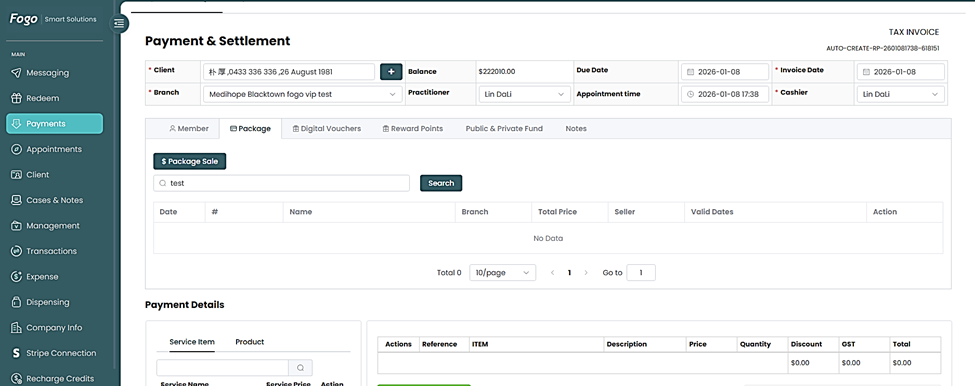
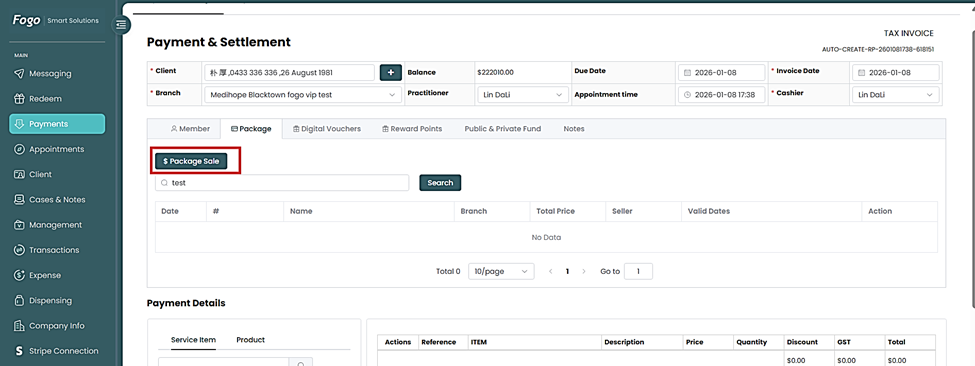
Step 2. Click “Package Sale” to view client’s available gift cards.
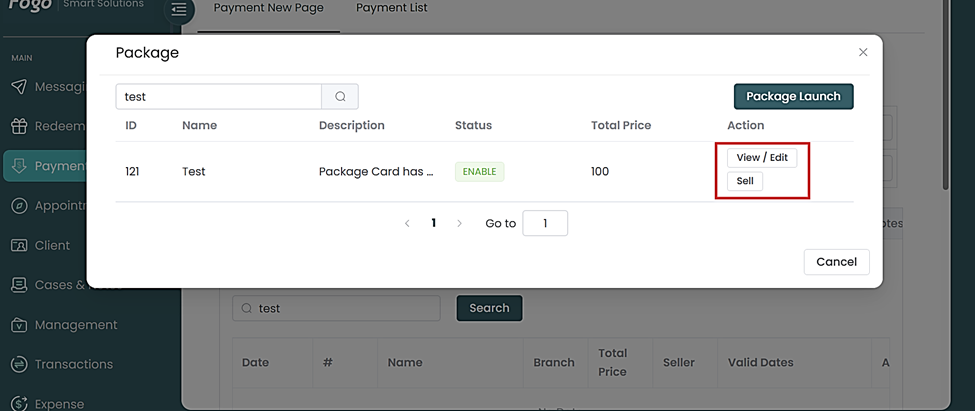
Step 3. Click “View / Edit” to make updates or corrections.
Step 4. The pop up page will show you fields that needs updating. Then click “Submit” to save the changes made.
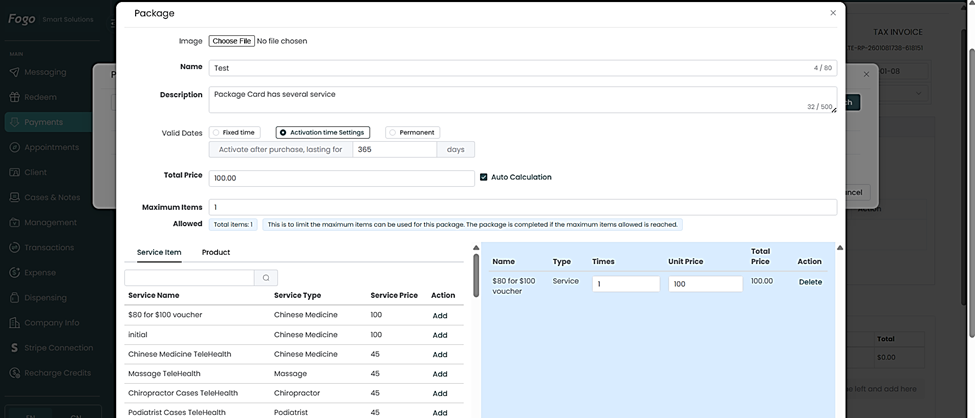
Step 5. Click “Submit” to save changes.
You can also watch the demo here Demo on How to Edit details of redeemed gift cards?
Need a demo or want to learn more? Email us at contact@fogo365.com.