


The Fogo System allows you to easily monitor and manage all redeemed gift cards under the Redeem section. You can view campaign details, redemption status, and related payment information all in one place.
Step 1. From the left-hand menu, go to Redeem.
Step 2. Use the search bar or filters at the top to locate specific campaigns by code, date, or status.

Step3. Under the Status column, check whether a gift card is marked as Redeemed or still active.

Step 4. To see more details about a redeemed gift card, click “View Detail” to view full redemption information.

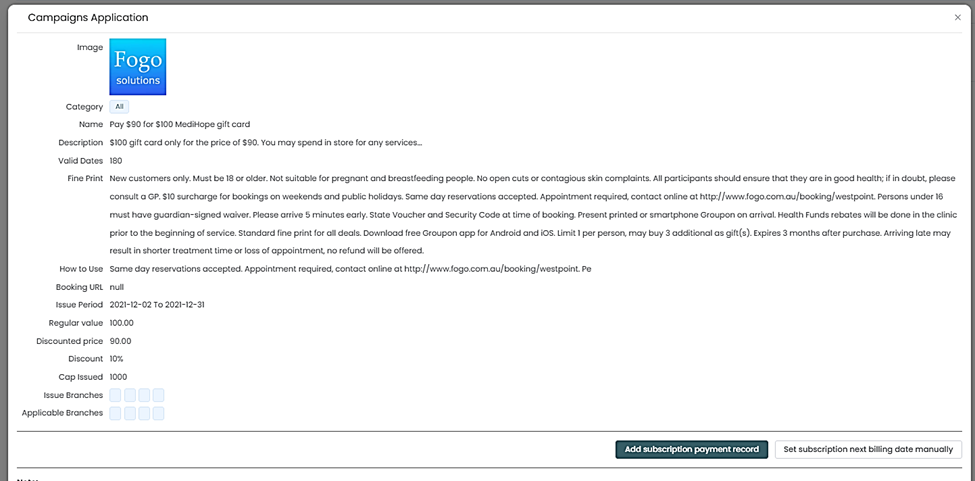
Step 5. You can also check Today’s redemption, Redemption this week, or Today’s sales by selecting the corresponding filters.

Step 6. Use the Export button to download a report of redemptions for record-keeping or analysis. Regularly export your redemption data to maintain accurate tracking and ensure all redeemed gift cards are properly reflected in your sales and payment reports.
Need a demo or want to learn more? Email us at contact@fogo365.com.