


The Fogo system enables the redemption of various types of digital vouchers. To get started, go to Redeem on the main menu, or navigate to Management > Marketing > Digital Vouchers and select the Redeem tab. Before proceeding, it’s useful to verify details such as the campaign name, Fogo campaign code, voucher status, and price-value matrix. Digital vouchers must be securely validated at checkout by matching the voucher holder’s unique security code.
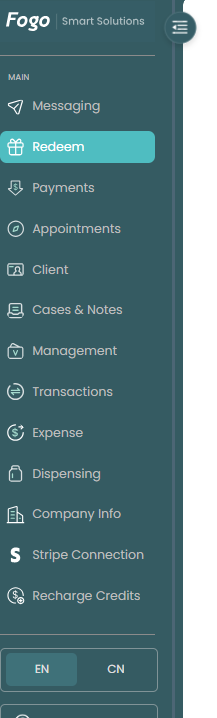
Step 1. On the left-hand navigation sidebar, click on the Redeem tab (located right below Messaging).
Step 2. Search for the Voucher: Use the search bar at the top left to find the specific voucher by entering the campaign keywords (e.g., typing “book”) or the patient’s information.

Step 3. Filter by Date (Optional): If needed, you can narrow down the search results by using the Issue Date calendar filter tool.
Step 4. Locate and Verify the Voucher: Find the correct record in the table and verify its status:

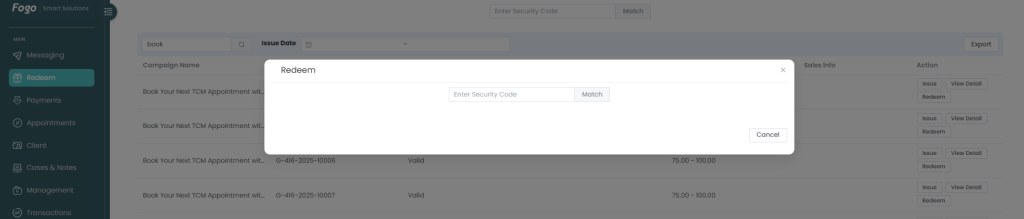
Step 5. Open the Redemption Window: Go to the Action column on the far right and click the Redeem button inside the row. Verify the Security Code: A Redeem modal will pop up. Have the voucher holder provide their unique security code, enter it into the Enter Security Code field, and click Match to complete the verification and process the redemption.
Need a demo or want to learn more? Email us at contact@fogo365.com.