


As part of daily routine, historical data is very important for patients’ treatments. In Fogo, last visit information can be accessed in the current visit case report.
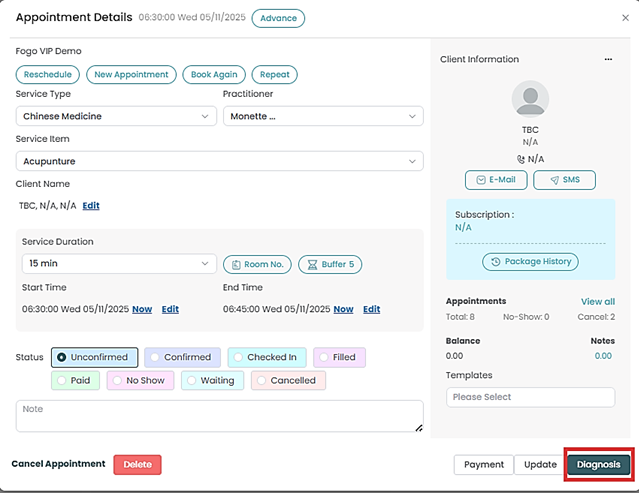
Step 1: Open the case report page by clicking “View Case” or “Diagnosis” button on the appointment table
Step 2: Find the ‘Historical Data’ button on the top right of the page. All data saved in Fogo system related to the client’s visits will show on the pop up screen.

Need a demo or want to learn more? Email us at contact@fogo365.com.