


Ensuring data security is a top priority at Fogo. You can enhance your login security by enabling the Google Authenticator app.
Follow these steps:
- Download the Google Authenticator app from the Apple App Store or Google Play Store.
- Log in to your Fogo account.
- Click the menu button in the bottom left corner that shows your name.
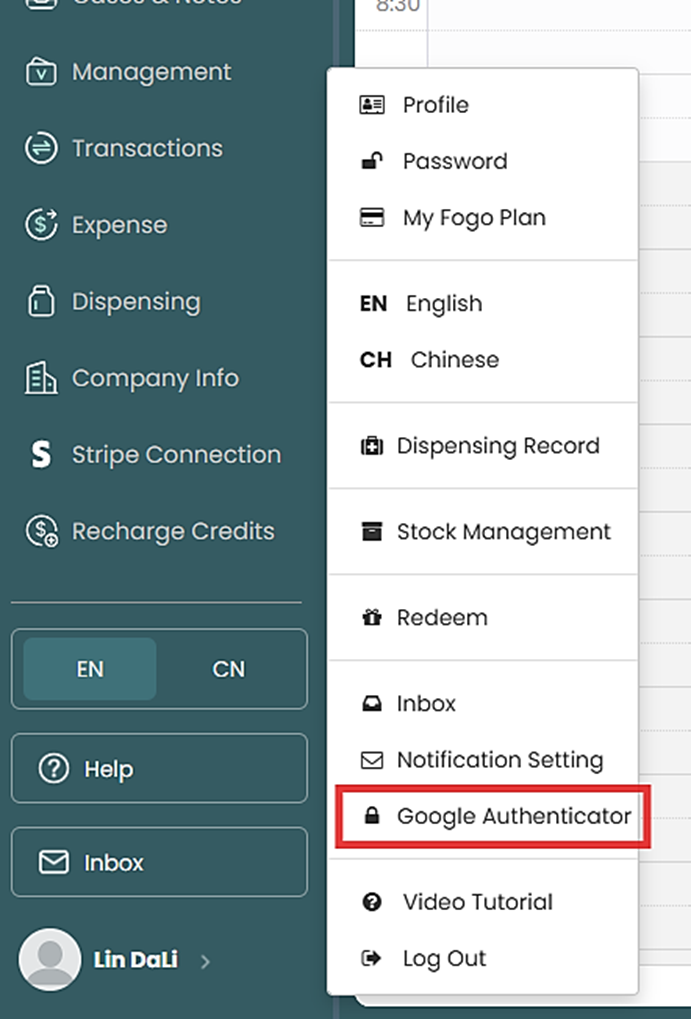
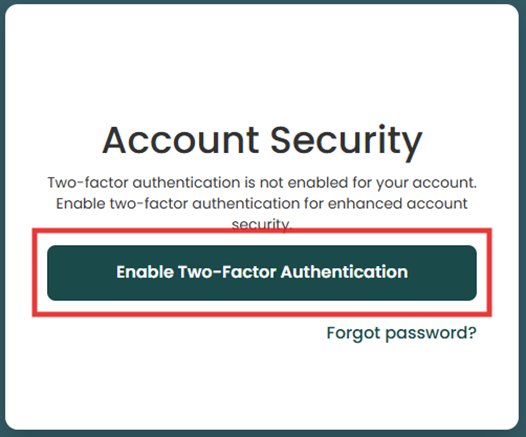
Select the ‘Google Authenticator’ option and follow the instructions provided.
Need a demo or want to learn more? Email us at contact@fogo365.com.