


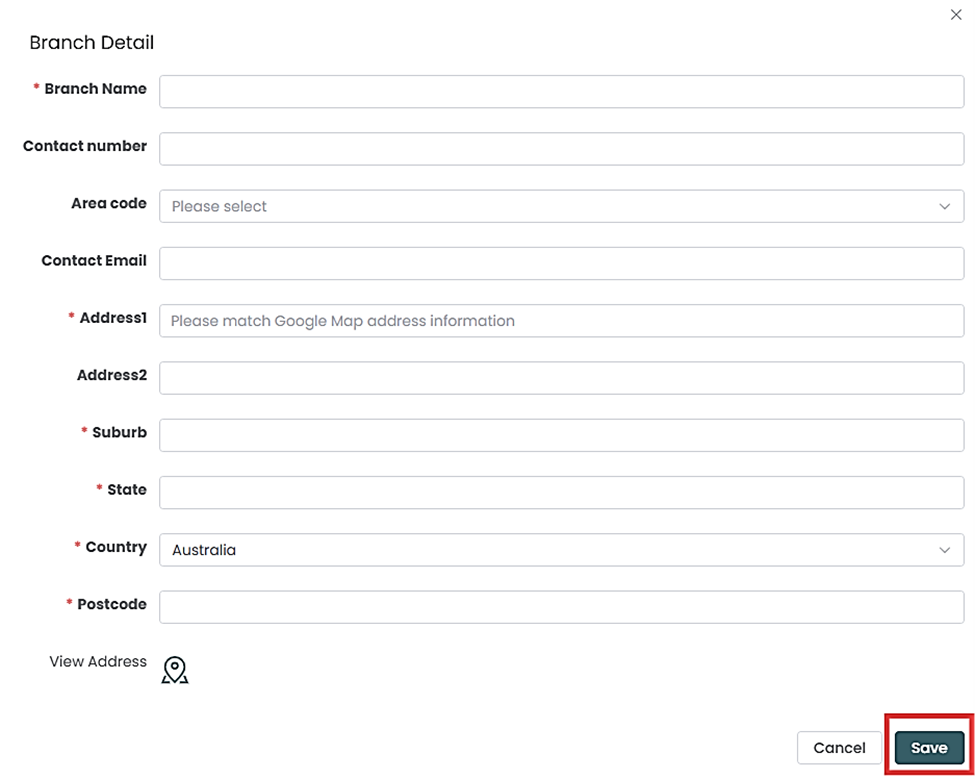
Fogo supports multi-branches. Fogo is perfect for those practices that have many branches in different locations. Completed branch contact information is essential for your client to contact you.
Step 1: Go to Management >Company Information>Company Branch

Step 2: Enter your branch information then click ‘Save’.
Need a demo or want to learn more? Email us at contact@fogo365.com.