


Appointment with client and service items information is needed prior to a case report. Please make an appointment if you have not done so.
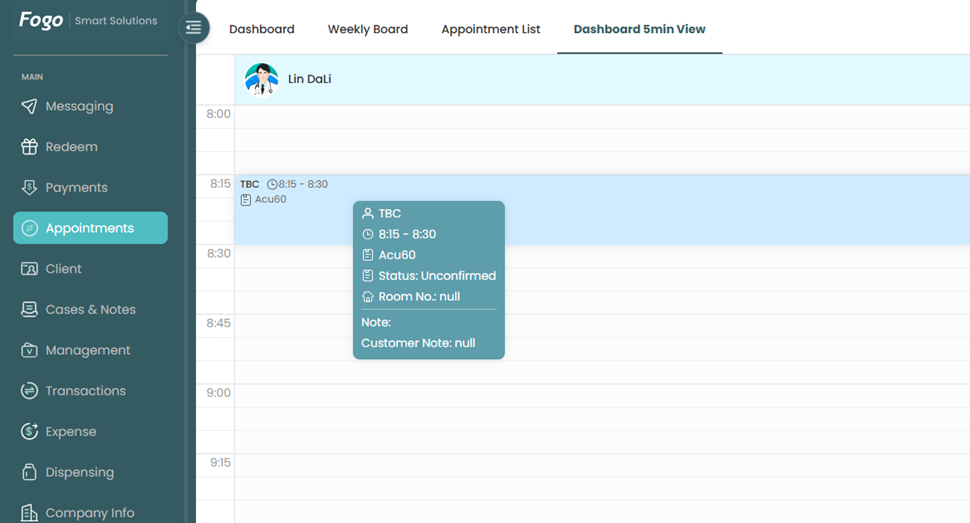
Step 1: Open up an appointment.
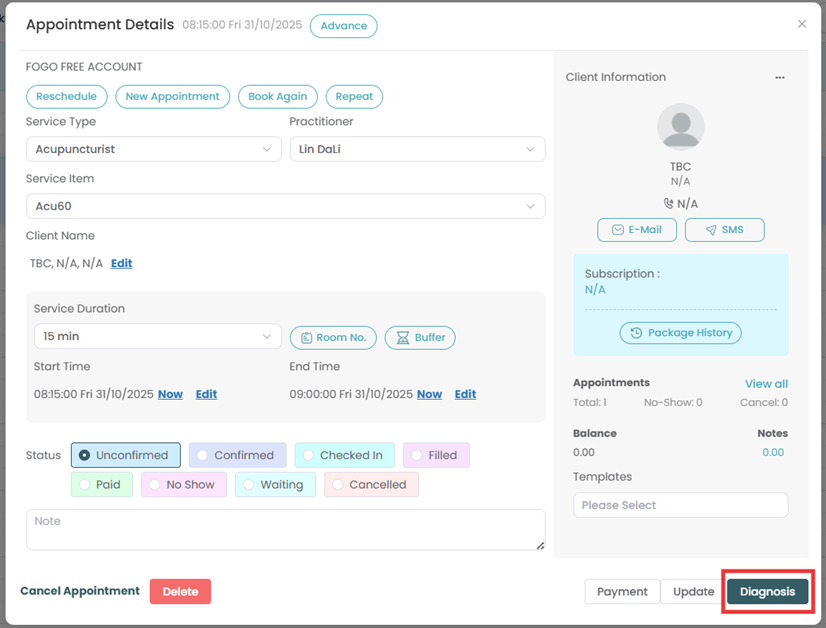
Step 2: Click the “Diagnosis” button on the bottom right corner of the pop up window.
Step 3: It is important that this button is ticked after discussing these details to your patient/customer before you can add your diagnosis.

Step 4: Click the ‘Save Case’ button on the top right corner once completed.
Need a demo or want to learn more? Email us at contact@fogo365.com.